How to Optimize INP: The Core Web Vital That 43% of Sites Fail in 2026
Does your site freeze when touched? Understand INP, the Core Web Vital that causes the most failures in 2026, and learn objective techniques to optimize it and improve user experience.

Understanding INP and the New Era of Core Web Vitals
User experience on your site depends on many factors, but speed and responsiveness are crucial. In 2026, the Core Web Vitals – Google's metrics for assessing page experience – gain new contours with the prominence of INP (Interaction to Next Paint). For front-end developers and performance managers, understanding and optimizing INP is no longer an option, but a necessity. If your site freezes when touched, INP is likely the culprit.
This practical guide will demystify INP, explain why it has become the most critical Core Web Vital in 2026, and present a step-by-step approach with objective techniques to optimize your site. Ready to ensure your users have the best possible interaction? Let's dive in!
Key Takeaways
- What is INP: The metric that measures the responsiveness of all user interactions.
- Why INP is Crucial: It replaced FID and is the Core Web Vital with the highest failure rate in 2026.
- Common Causes of Poor INP: Third-party scripts, framework hydration, and long tasks.
- Optimization Techniques: Breaking down long tasks, optimizing visual updates, and state management.
- Essential Tools: PageSpeed Insights, Chrome DevTools, and others for diagnosis and monitoring.
The 2026 Core Web Vitals: A New Landscape
The Core Web Vitals are a set of metrics defined by Google to measure the user experience on a web page in terms of loading, interactivity, and visual stability. For 2026, the three main metrics are:
- LCP (Largest Contentful Paint): Measures the loading time of the largest visible content element in the viewport. A good LCP is up to 2.5 seconds.
- CLS (Cumulative Layout Shift): Measures visual stability, i.e., how much page elements unexpectedly shift during loading. A good CLS is up to 0.1.
- INP (Interaction to Next Paint): Measures the latency of all user interactions with the page. A good INP is up to 200 milliseconds.
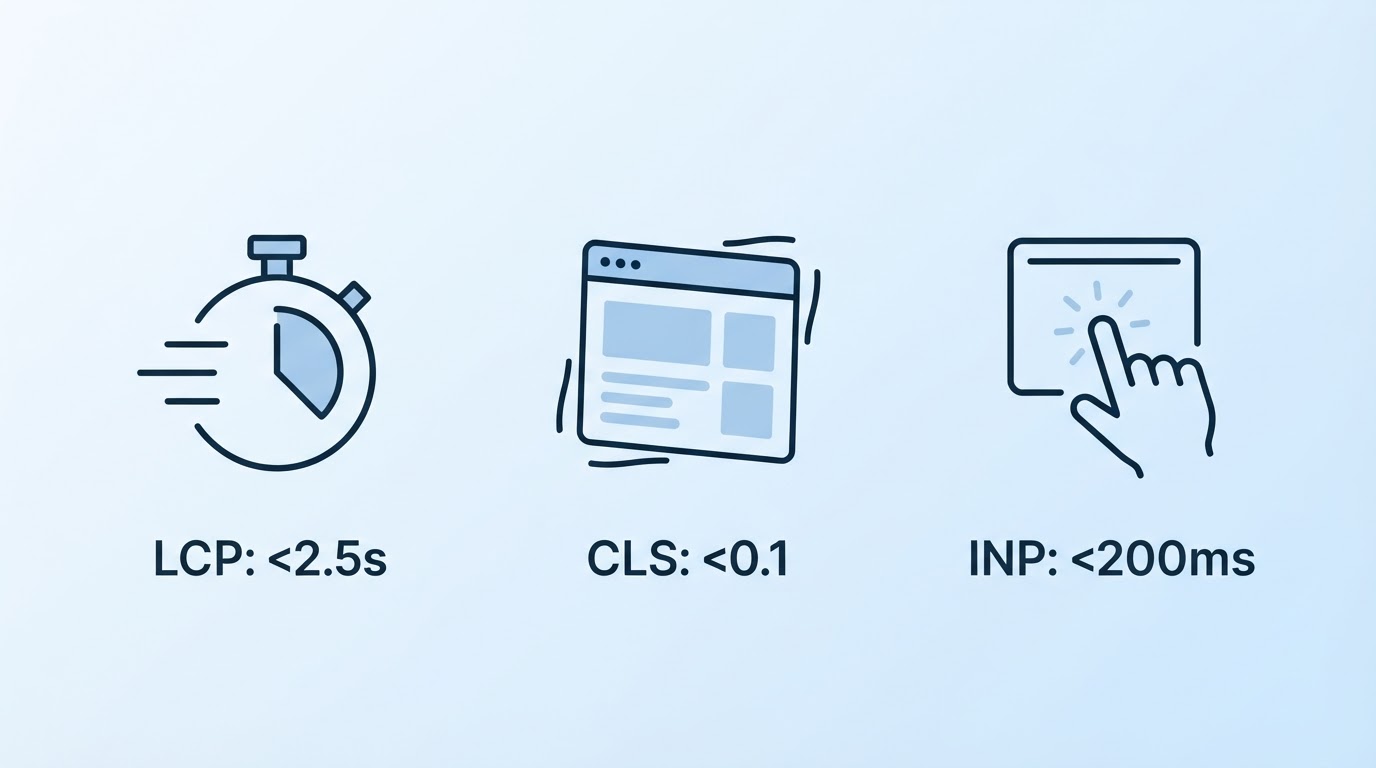
INP has become the major challenge. Unlike the old FID (First Input Delay), which focused only on the response time of the first interaction, INP evaluates the performance of ALL interactions (clicks, taps, key presses) at the 75th percentile. This means the response time of the 75th slowest interaction defines your INP score. With a passing threshold of 200 ms, 43% of sites fail to meet this criterion, making INP the most problematic Core Web Vital in 2026, with a passing rate of only 57%.
Decoding INP: The Anatomy of an Interaction
To optimize INP, it's fundamental to understand the three phases that make up the response time of any user interaction:
- Input Delay: The time between when the user initiates an interaction (e.g., clicks a button) and when the browser begins processing the event.
- Processing Time: The time the browser takes to execute the JavaScript code associated with the event.
- Presentation Delay: The time between the end of event processing and when the browser can render visual updates on the screen.
INP is the sum of these three phases. A significant delay in any of them can lead to a slow and frustrating user experience. Imagine clicking a link and the page taking a while to respond or the content not updating: that's poor INP in action.
The Most Common Causes of Poor INP
Identifying the root of the problem is the first step toward a solution. On modern websites, especially those developed with frameworks like React and Next.js, some culprits are recurrent:
- Heavy Third-Party Scripts: Ads, trackers, social media widgets, and other third-party scripts can consume valuable CPU resources, blocking the main thread and delaying interaction processing.
- Framework Hydration: In frameworks like React, hydration is the process of making server-rendered HTML interactive on the client. If this process is too long or poorly optimized, it can create long tasks that block the main thread after initial loading.
- Long Tasks: These are JavaScript tasks that take more than 50 milliseconds to complete on the main thread. Any task that blocks the main thread for an extended period can delay the response to user interactions, directly impacting INP.
Practical Techniques to Optimize INP
The good news is that there are several strategies you can apply to improve your site's INP. Let's detail some of the most effective ones, focusing on front-end developers of Next.js and React applications:
1. Break Up Long Tasks with scheduler.yield()
The browser has a main thread where it executes most important tasks, including rendering and event processing. If a task takes too long (a long task), it prevents other tasks, like responding to a click, from being processed. The scheduler.postTask() API (or scheduler.yield() in older/specific contexts) allows you to schedule tasks to run at opportune moments, yielding control back to the browser when possible. This ensures the main thread doesn't get blocked for too long.
// Conceptual example of how to break up a long task
function processLargeData(dataChunk) {
  // ... process chunk ...
  if (moreDataToProcess) {
    return scheduler.yield().then(() => processLargeData(nextDataChunk));
  }
}

// Usage: processLargeData(initialData);
2. Optimize Visual Updates with requestAnimationFrame
For UI updates that need to be animated or depend on the screen's visual state, requestAnimationFrame is the ideal API. It schedules the animation update for the browser's next repaint cycle, ensuring animations are smooth and efficient, avoiding layout issues and unnecessary repaints that can impact INP.
// Example usage for smooth animation
let box = document.getElementById('myBox');
let position = 0;

function animate() {
  position += 1;
  box.style.transform = `translateX(${position}px)`;

  if (position < 500) {
    requestAnimationFrame(animate);
  }
}

// Start the animation
animate();
3. Defer Non-Critical Scripts
Scripts that are not essential for initial rendering or immediate page interactivity should be deferred. Use the defer or async attributes on <script> tags. defer ensures the script is executed after HTML parsing, in the order they appear in the document, and async executes the script as soon as it's downloaded, without guaranteed order. Deferring third-party scripts, like analytics and ads, can free up the main thread for more important interactions.
4. Minimize DOM Mutations in Event Handlers
Changing the DOM (Document Object Model) is a costly operation. Within an event handler, avoid making multiple small DOM changes. Group changes whenever possible. In frameworks like React, this is managed more efficiently by the rendering and reconciliation cycle itself, but it's good to keep in mind that a large number of direct DOM mutations can impact performance.
5. Batch State Updates
In React applications, multiple consecutive setState calls can lead to multiple re-renders. React automatically optimizes this in many situations, but in complex cases or when directly manipulating the DOM, it's more efficient to group several state updates into a single call or use the functional form of setState (setState(prevState => newState)) to ensure updates occur coalesced, avoiding unnecessary renders.
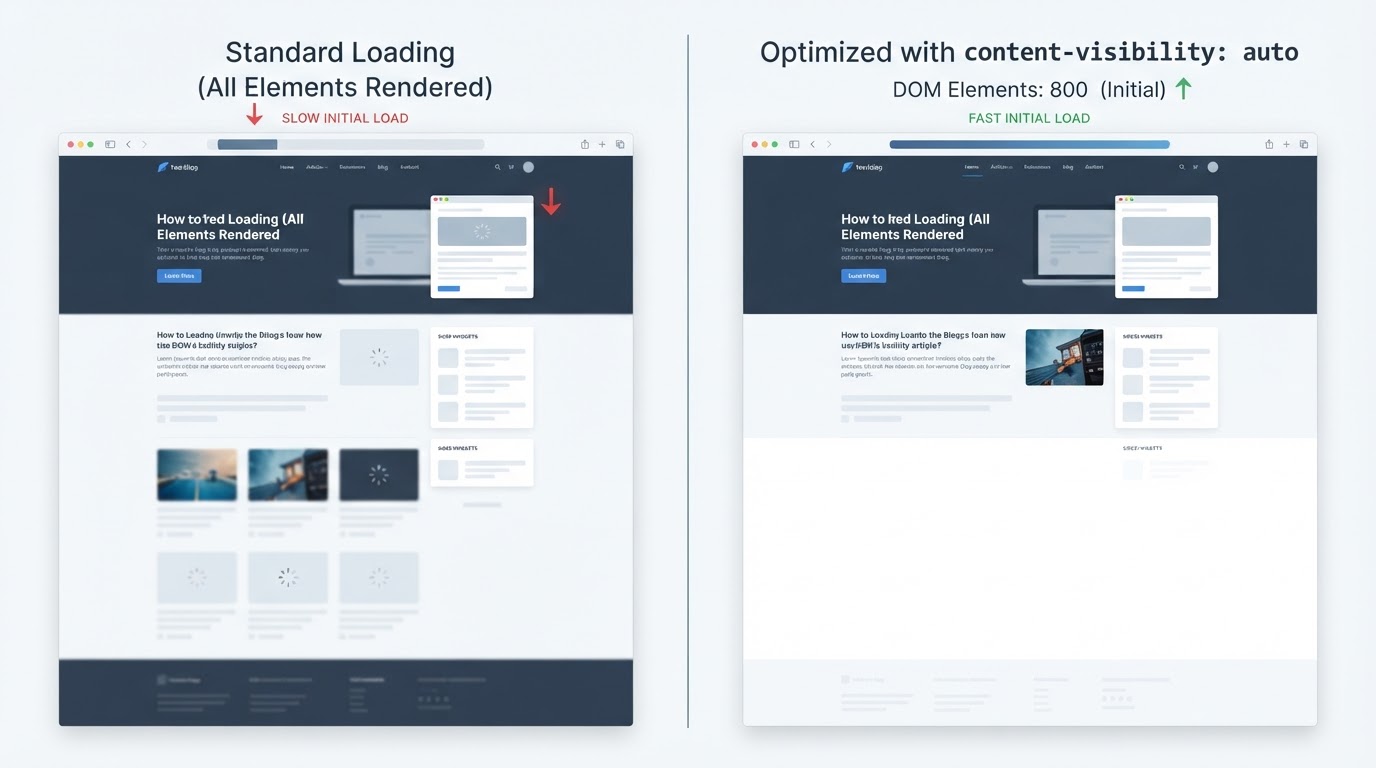
6. Use content-visibility: auto for Off-Screen Content
The CSS property content-visibility: auto is a powerful tool for optimizing the loading and rendering of long pages. It allows the browser to skip rendering work (layout, paint) for elements that are off-screen. When the user scrolls the page, the browser renders content as it enters the viewport. This can drastically reduce initial loading time and improve perceived performance.
.offscreen-content {
  content-visibility: auto;
}
Essential Tools for Diagnosis and Monitoring
To identify and fix INP issues, you'll need the right tools:
- PageSpeed Insights: Provides a detailed analysis of your site's performance, including Core Web Vitals. It combines lab data (simulation) and field data (real user data).
- Chrome DevTools: The

Sobre a Lee Sugano
Lee Sugano
Agência de soluções digitais com base no Japão e clientes em mais de 10 países. Compartilhamos insights sobre desenvolvimento, design e marketing digital para empresas que não aceitam genérico.
Enjoyed this content?
Receive exclusive insights about web development, design, and digital marketing straight to your inbox.
No spam. Unsubscribe anytime.